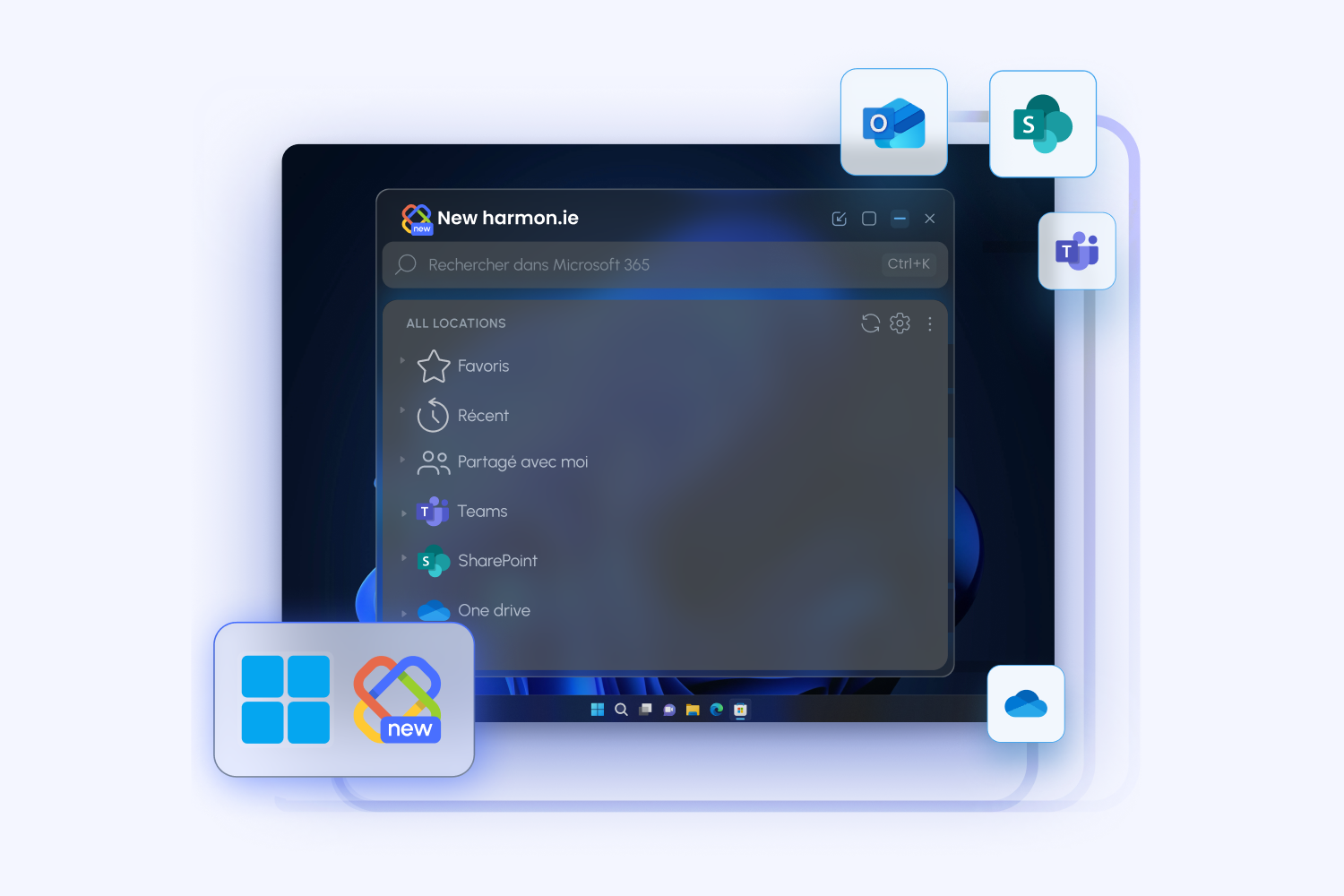

With the release of New harmon.ie 1.7, we’re introducing a major step forward in Outlook–SharePoint integration: the new harmon.ie desktop app.
More than just an extension of the add-in, the desktop app acts as a Business File Manager for Microsoft 365—a single, focused workspace where users can efficiently manage files, emails, and content across SharePoint, Teams, and OneDrive.
Why a Desktop App?
Managing emails and documents inside a narrow Outlook sidebar has limitations—especially for teams working with large volumes of content.
The harmon.ie desktop app solves this by providing:
A true Business File Manager for Microsoft 365
Quickly find the right documents, update them with confidence, and create new content—all from a dedicated, business-ready workspace designed for productivity.
A complement to the Outlook add-in
Use the add-in for email-centric tasks, and the desktop app for broader content management. Together, they deliver a complete email and document management solution for Microsoft 365.
A larger workspace for SharePoint and Teams
Work in a full-sized window to browse libraries, manage metadata, and organize documents more efficiently. No more cramped sidebar experience.
Always-on access outside Outlook
Keep the harmon.ie desktop app open alongside Outlook, Teams, or your browser. Access and organize content continuously—without switching back and forth.
From Manual Filing to Intelligent Email Management
Saving emails to SharePoint has traditionally been a manual task.
Our vision is to move beyond manual filing to a system that helps users automatically identify which emails should be saved, determine where they belong, and keep teams aligned on what has already been captured.
The harmon.ie desktop app is the foundation for this shift toward automated, intelligent email management.
Why the Desktop App Enables Automation
Moving from manual filing to automation requires more than a better interface. It requires an app that can remain available and continue working in the background.
Unlike the Outlook sidebar, which opens and closes as users move through their inbox, the desktop app can stay open independently of Outlook. That persistent presence allows harmon.ie to continue running tasks even when the add-in pane is no longer visible.
This creates the foundation for scenarios such as:
-
Automatically saving the rest of an email thread after the first message is marked for saving
-
Applying filing rules as new emails arrive
-
Supporting future AI-driven recommendations and actions in the background
In other words, the desktop app is not just a larger workspace. It is the platform that enables harmon.ie to become more proactive, automated, and intelligent.
What’s Coming Next: Automation and AI
We’re actively developing new capabilities that will turn harmon.ie into a more proactive system. Here’s what’s ahead:
Shared email categories that keep everyone in sync
When one user saves an email, all recipients of that email can immediately see that it was saved—and where it was saved.
There’s no need to ask, “Was this saved?” or “Where is it?” Everyone stays aligned, with full visibility into what has already been captured. That means less confusion, fewer duplicate saves, and less wasted effort across the team.
Automatic email thread saving
Save an email once, and harmon.ie can automatically save the rest of the conversation as it evolves—including replies and forwarded messages—into Microsoft 365.
Users can choose which threads to track, or admins can define this behavior centrally across the organization. This is especially important for teams in legal, finance, government, construction, and other regulated industries that need a complete record of business communication for compliance, accountability, or project documentation.
No more manual filing. No more missing follow-up emails. Just a complete conversation, captured automatically.
Automation in Two Layers: Rules and AI
harmon.ie is designed to support automation in two complementary ways—so organizations can choose the approach that fits their needs, policies, and level of AI adoption.
Smart rule-based automation (no AI required)
harmon.ie can suggest and create filing rules based on actual user behavior, without relying on AI.
Users and admins can define rules based on:
-
Sender or domain
-
Email content and keywords
-
Save location and metadata
Over time, harmon.ie can identify patterns in how users file emails and suggest rules to automate those actions, helping teams reduce manual work while maintaining full control and predictability.
This approach is ideal for organizations that require strict governance or prefer not to use AI.
AI-powered recommendations (with Copilot integration)
For organizations using Microsoft Copilot, harmon.ie will add an additional layer of intelligence.
Copilot can analyze email content, context, and sender to:
-
Identify which emails are important to save
-
Suggest the most relevant SharePoint or Teams location
-
Recommend how emails should be organized
- Smartly search for saved emails using natural questions (“Find email from Sean about pricing for ABC”)
This enables a more dynamic, context-aware experience—especially for emails that don’t fit predefined rules.
Built for High-Volume, Process-Driven Teams
The desktop app is especially valuable for organizations where email is part of structured workflows, including: legal, finance, government, construction, and more.
By combining automation, AI, and metadata, harmon.ie ensures that critical information is:
-
Captured consistently
-
Stored in the right place
-
Easy to find and retrieve
-
Aligned with compliance requirements
Get Started with the harmon.ie Desktop App
The desktop app is now available as part of New harmon.ie 1.7.
Existing harmon.ie customers can deploy it centrally at no additional cost. A free 21-day trial is also available for organizations that want to explore the desktop app.
Start managing your emails and SharePoint content more efficiently—while preparing your organization for the next generation of AI-powered email management.