SharePoint Document Management for Microsoft 365
File Explorer for Microsoft 365 — everything in one place, easy to manage










Getting documents into SharePoint is the easy part. Keeping them organized isn't
Most organizations have Microsoft 365. Most content still ends up scattered across inboxes, shared drives, and desktop folders — or lands in SharePoint without the metadata that makes it findable.
The problem isn’t intent. It’s friction:
- Managing files in SharePoint requires a browser. Navigating libraries, editing metadata, renaming files — all of it means leaving the tools people actually work in.
- Syncing SharePoint to File Explorer is the workaround — but it creates its own problems. Content is cached locally, consuming disk space on every device. Each library requires separate sync setup.
- Metadata gets skipped. Files land without required columns filled in, leaving them non-compliant and unfindable.
- Content is spread across SharePoint, Teams, and OneDrive. Finding anything requires knowing which app to check; reorganizing across them is a manual operation.
- Governance depends on content being filed correctly. Retention labels and DLP policies only apply to content that made it into the right place with the right metadata.
A File Explorer for all your Microsoft 365 content
SharePoint Document Management Features
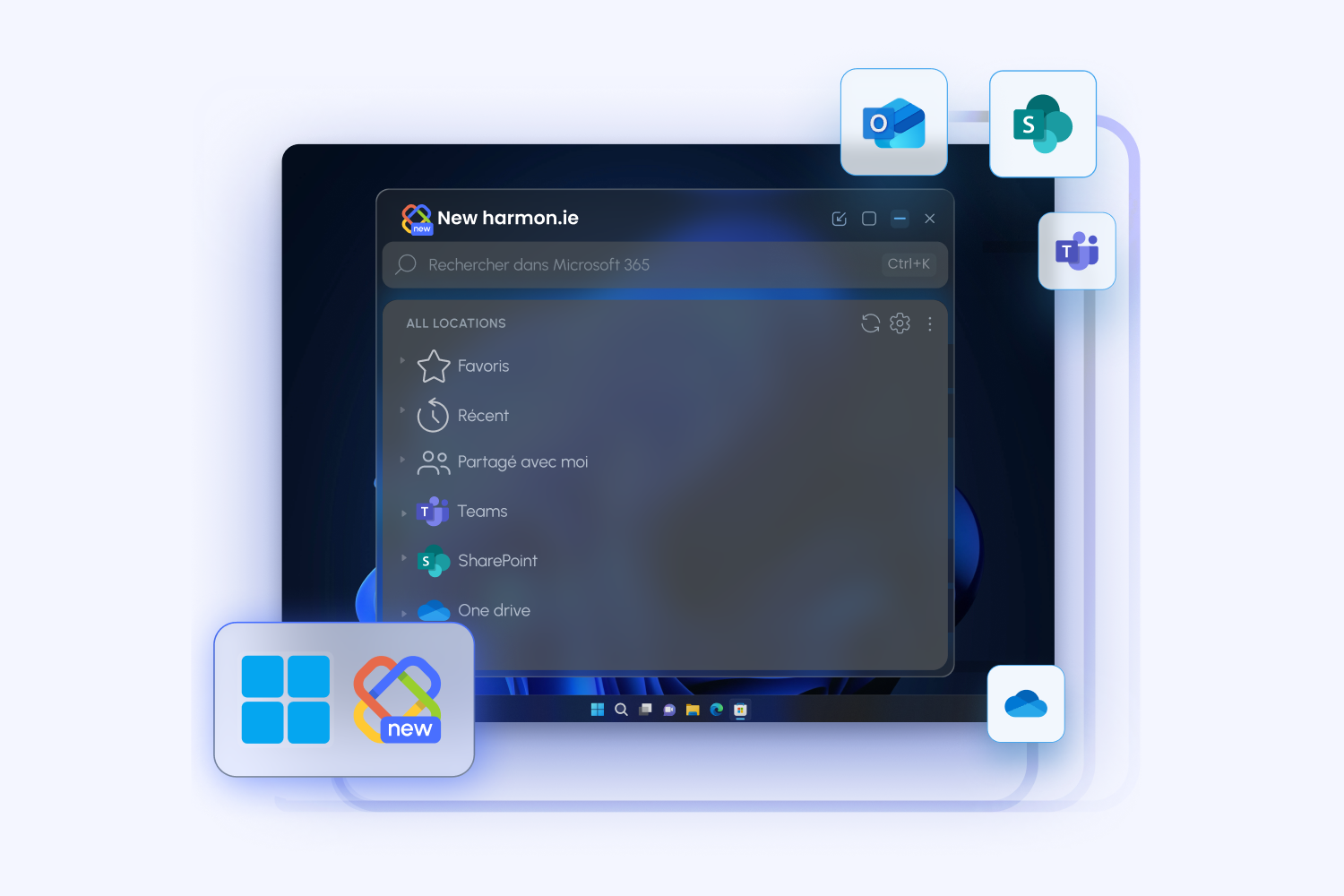
Browse and Navigate Your Microsoft 365 Content
- Real-time access to your tenant - no sync client, no local cache, no storage consumed on your device. Content is read directly from Microsoft 365.
- Browse the full folder and library structure of any SharePoint site, Teams channel, or OneDrive folder
- Mark frequently used sites, libraries, and folders as favorites for instant access
- Switch between SharePoint views, including Group By views, to see content the way your library was designed to display it
- Sort by any column, ascending or descending
- Open documents directly in their associated desktop application, or in a browser
- Preview any document in a full, separate window without opening it
Upload, Create, and Organize Files
- Upload files by drag-and-drop or file picker to any SharePoint library, Teams channel, or OneDrive folder
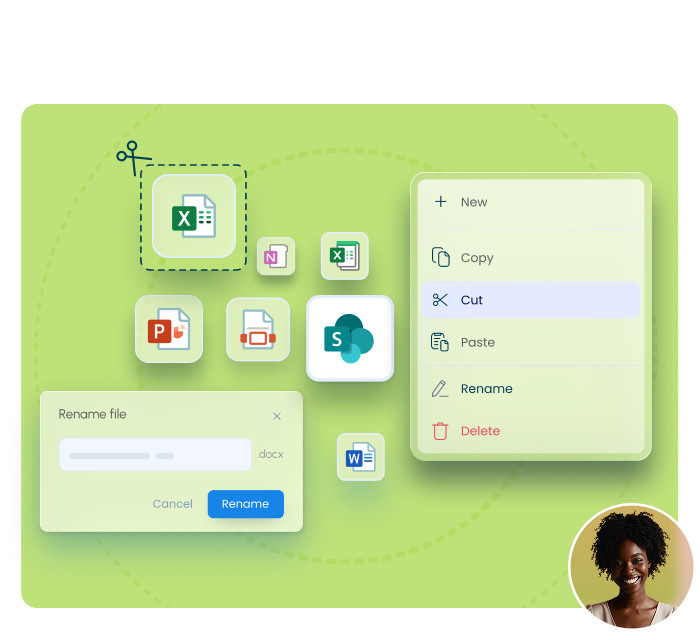
- Create new documents of any supported content type — Word, Excel, PowerPoint, or custom content types defined in the SharePoint library
- Create folders, rename files, and delete content directly in the interface
- Download a local copy of any Microsoft 365 file to your computer — Save As in the desktop app lets you choose the destination folder
- Copy, cut, and paste files between SharePoint libraries and Teams channels to reorganize content
Edit SharePoint Metadata Without Opening a Browser
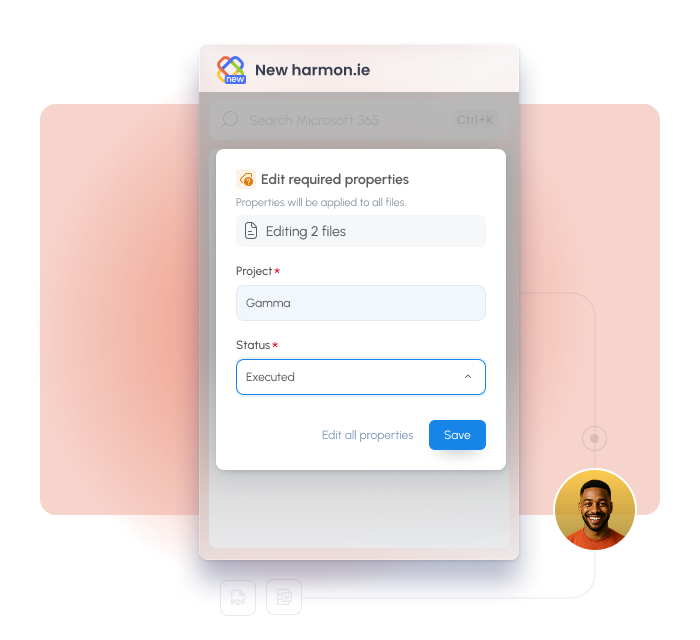
- Required fields are clearly marked so nothing critical gets skipped
- The file name is editable in the save flow, before the file lands in SharePoint
- Select multiple files to bulk-edit their shared metadata fields in one operation
- Configure harmon.ie to open the property editor automatically after saving — always, only when required fields are missing, or never
- Admins can enforce metadata behavior centrally for all users, so classification happens consistently across the organization
Search Across SharePoint, Teams, and OneDrive
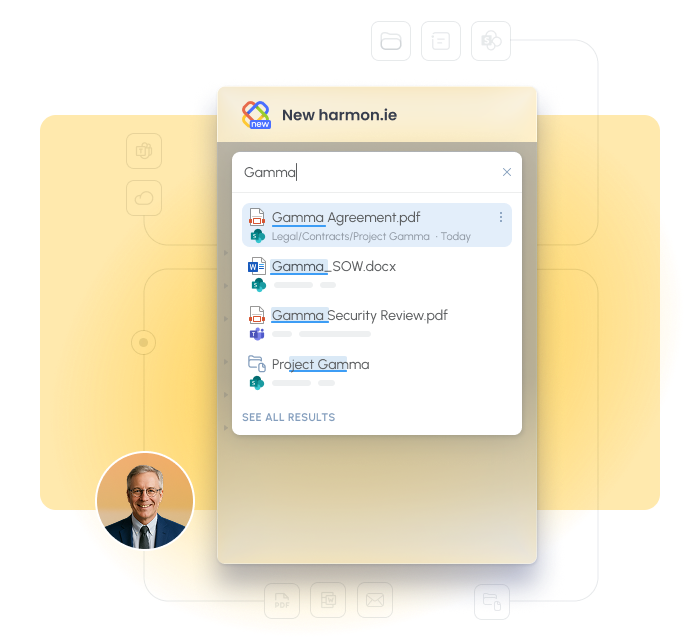
- One query covers SharePoint, Teams, and OneDrive simultaneously
- Filter by application, file type, or specific location
- Search as you type within any library for quick navigation
- Copilot-powered search (beta): ask in plain language and get the matching document, ranked by relevance across SharePoint, Teams, and OneDrive
Save and File Emails as Documents
- Drag an email from your inbox into the harmon.ie sidebar to file it to any SharePoint, Teams, or OneDrive location
- Automatically save emails with email automation rules
- Save an entire Outlook folder, including subfolders, in one action, then turn on automatic saving so new emails that land there keep filing themselves
- harmon.ie automatically maps email headers (To, From, Subject, Date) into SharePoint metadata columns — turning unstructured email into a searchable, filterable record with no manual tagging required
- Save & Send files outgoing emails at the moment you send them, so sent items are captured automatically
- Saved emails are categorized in your Outlook inbox showing if and where they were filed
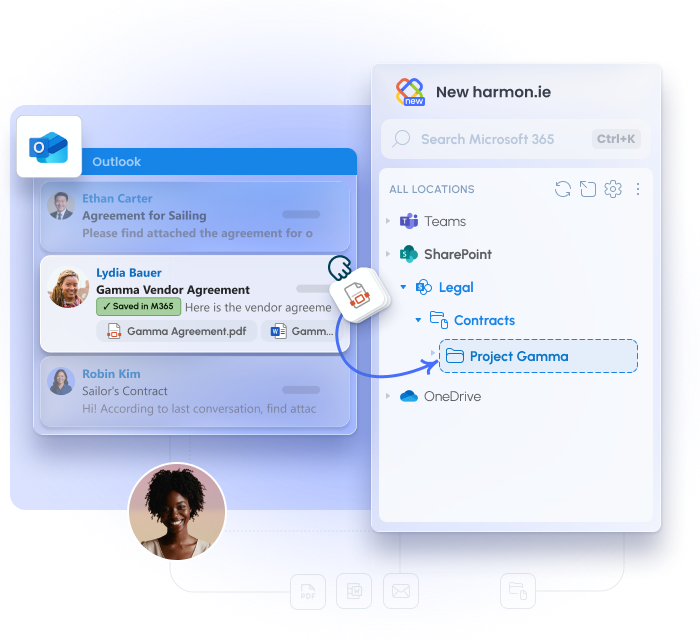
What Is SharePoint Document Management?
SharePoint document management is the practice of storing, organizing, classifying, and retrieving business documents in SharePoint — with proper structure, metadata, versioning, and access control. As a SharePoint document management system, SharePoint provides the storage and governance infrastructure. What it doesn’t provide is a frictionless way for users to interact with it from their daily tools.
harmon.ie extends SharePoint’s document management capabilities with a purpose-built interface — a desktop app and Outlook add-in that bring file management out of the browser and into the tools your team already uses.
SharePoint document management best practices harmon.ie helps enforce:
- Metadata at the point of filing — not as a follow-up task
- Consistent file naming before content lands in the library
- Centrally controlled classification settings that apply across all users
- Email content filed to SharePoint alongside traditional documents, with the same metadata standards
Why organizations choose harmon.ie for SharePoint document management
Built for people who manage documents, not just access them
Metadata that actually gets filled in
The most common failure in SharePoint document management is metadata skipped at filing time. harmon.ie’s property editor, auto-open after save, and bulk editing make classification part of the filing flow — not a follow-up task.
“By requiring us to complete mandatory metadata, harmon.ie makes it easier to find important documents.” — Debbie Garrick, Women’s and Children’s Hospital Foundation
Works inside Outlook too
Adoption without training
People use SharePoint when harmon.ie is in front of them — not because they were trained to, but because it’s easier than the alternative.
“harmon.ie makes the entire process of document handling easier for the employee, so that use of the SharePoint server has increased massively.” — Atilla Kücük, IT Division Manager, Leonhard Weiss
Your data never leaves Microsoft 365
Proven at enterprise scale
Individual deployments have reached hundreds of thousands of users, with organizations measuring up to 70% fewer steps when saving emails by drag and drop.
SharePoint Document Management — FAQ
What is SharePoint document management?
Can SharePoint be used as a document management system?
What is New harmon.ie Desktop app?
schedule even when Outlook and the add-in are closed.
What are the best practices for SharePoint document management?
How does harmon.ie handle required metadata fields in SharePoint?
Does harmon.ie support SharePoint document sets and custom content types?
Can I manage files in SharePoint without using Outlook?
Syncing SharePoint to Windows File Explorer — via the OneDrive sync client — creates local copies of your files on your device. Content is cached, disk space is consumed, and each library requires separate sync setup. Microsoft recommends no more than 300,000 items across synced libraries before performance degrades. The harmon.ie desktop app works differently: it connects directly to your Microsoft 365 tenant for real-time access. No local files, no sync engine, no storage consumed on your device. You see the current state of your libraries as they are in the cloud — without anything running in the background.
How is harmon.ie Desktop different from syncing SharePoint to File Explorer?
Does harmon.ie work with Microsoft Purview?

Industry
Location
Number of employees
Case Study


Industry
Location
Number of employees
Case Study


Industry
Location
Number of employees
Case Study


Industry
Location
Number of employees
Case Study

Helpful Resources




Put your email management on autopilot
Try New harmon.ie free for 21 days. No credit card.