Smart Email Management for Microsoft 365
Unified Access to Microsoft 365 Files
Search Fast, Find Anything
The Best Experience Across All Outlooks









Book a Personalized Outlook–SharePoint Workflow Demo
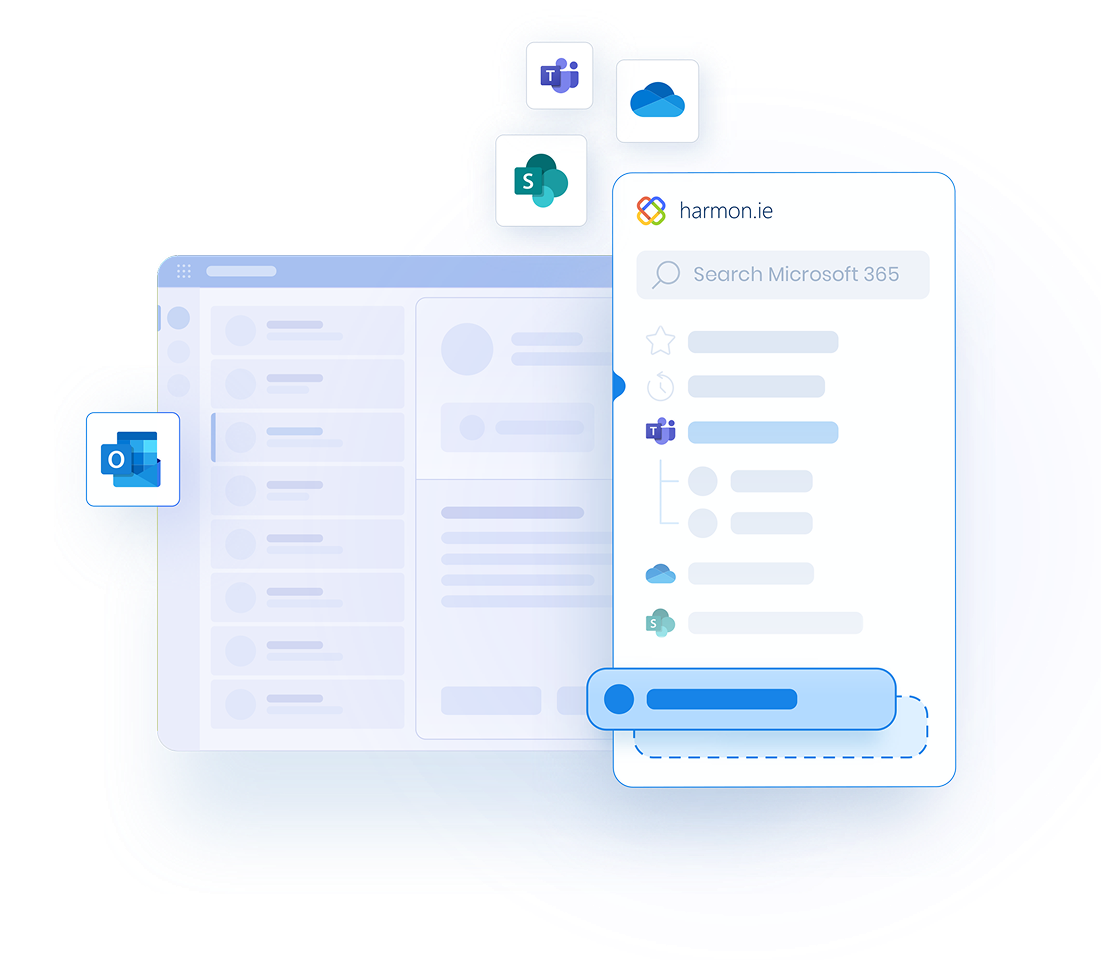
In a 15-minute personalized walkthrough, we’ll show how your team can save emails with metadata and improve compliance — without changing how users work in Outlook.
Demo FAQ
What will be covered in the demo?
- Save emails and attachments to SharePoint or Teams
- Tag metadata
- Find any email or document in seconds using smart search and filters
- Answer any question you may have on product, pricing, or deployment
How long does the demo take?
Most demos take 15–20 minutes, depending on your questions.
Is this a sales call?
No. The demo is a practical walkthrough of the product and how it fits into your Microsoft 365 setup. We’re happy to answer licensing or deployment questions, but there’s no obligation.
Should I start a free trial instead?
- You’re evaluating for a team or department
- You need deployment guidance
- You have specific questions or concerns
- You you’re unable to grant Microsoft 365 app consent to harmon.ie (required to try the product)
Do I need to prepare anything?
No preparation is required. If you’d like the demo tailored to your organization, you can share anything when scheduling the demo, or reply to the meeting invite.
I can’t find a suitable time
If none of the available slots work for you, please email custservices@harmon.ie and suggest a few times that fit your schedule. We’ll do our best to accommodate you.
Can I invite colleagues?
Absolutely. Many customers invite IT, compliance, or operations team members to ensure all questions are addressed in one session.
When scheduling the demo, you can add additional participants. Alternatively, forward the invitation afterward.
What happens after the demo?
- Start a free trial for a pilot group
- Request pricing for your team
- Schedule a technical follow-up