Email Retention Policy — Complete Guide
What it is, what the law requires, how to write one, and how to enforce it in Microsoft 365.
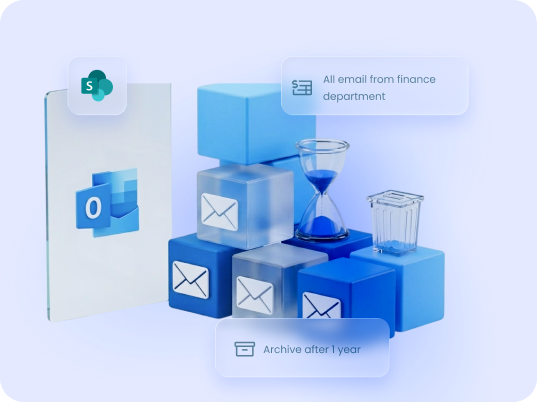
An email retention policy defines which business emails an organization must keep, for how long, where they must be stored, and when they can be deleted. It is required for compliance with regulations including SOX, HIPAA, FINRA, and GDPR, and is essential for litigation defense and audit readiness in Microsoft 365.
What Is an Email Retention Policy?
- Which emails must be kept — by type, sender, recipient, project, or subject matter
- How long they must be kept — based on legal, regulatory, or business requirements
- Where they must be stored — in a system that is secure, searchable, and auditable
- When they can be deleted — and how deletion is authorized and documented
Email retention policies exist at the intersection of legal compliance, records management, and IT governance. They apply to all business email, not just correspondence marked “important.”
Why Email Retention Policies Matter
Legal Compliance
Litigation Readiness
Audit Defense
Operational Continuity
Email Retention Laws by Regulation
UK organizations
UK equivalent of GDPR post-Brexit; personal data must not be kept longer than necessary
Government & Federal Email Retention
What to Include in an Email Retention Policy
1
Scope
2
Retention schedule
3
Storage location
4
Metadata requirements
5
Legal hold procedures
6
Deletion procedures
7
Access controls
8
Employee responsibilities
9
Enforcement and monitoring
10
Review cycle
Email Retention Periods by Email Type
harmon.ie supports organizations across both Outlook environments.
Email Retention Policy Template
Email Retention Policy Best Practices
There is no single timeline for migrating to Outlook for Windows (the new Outlook). Microsoft is rolling out the new client gradually, and Outlook for Windows (classic) will remain supported for several years. This gives organizations time to plan and test their transition.
Organizations should consider moving to the new Outlook when:
1
Involve the right stakeholders from the start
2
Classify before you schedule
3
Apply retention at the point of save, not retrospectively
4
Store in a shared, searchable system — not personal inboxes
5
Automate metadata capture
6
Document your legal hold process before you need it
7
Train employees on the why, not just the what
8
Review the policy every two years
Email Retention in Microsoft 365
guide.

harmon.ie files Outlook emails to SharePoint and Teams
How harmon.ie Supports Email Retention
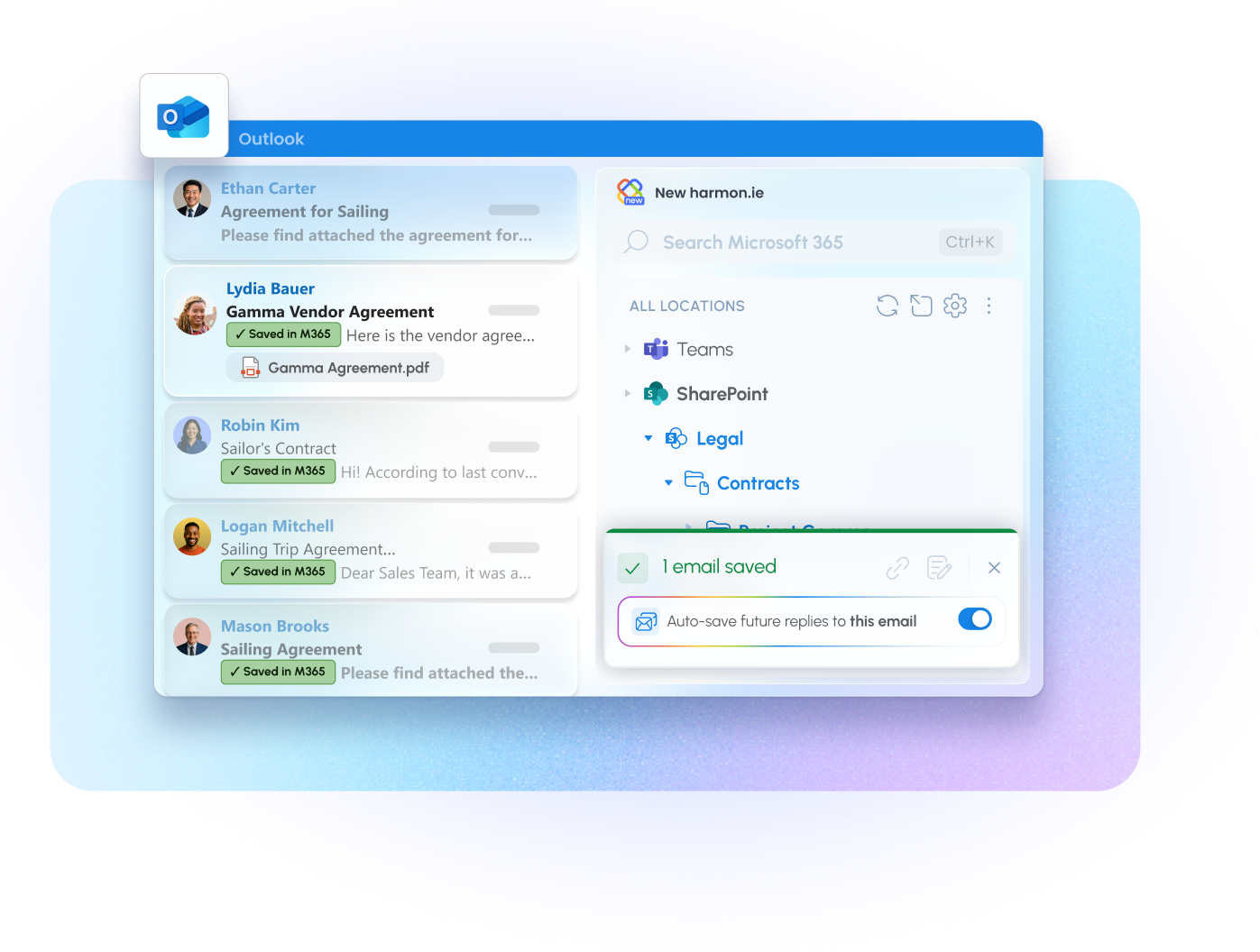
harmon.ie is an Outlook add-in that closes the gap between Microsoft 365’s retention infrastructure and the people who actually decide what gets filed. Saving an email to SharePoint or Teams takes a drag or a click, and its headers (To, From, Subject, Date) are written into SharePoint columns automatically — no manual tagging. Retained email becomes searchable and filterable for everyone with access to the library, and it sits where your Microsoft 365 governance policies already apply.
A retention policy is only as good as the capture behind it, which is why New harmon.ie lets users automate that capture. Rules set up by users keep saving the rest: a whole conversation, everything from a key sender, or new email landing in a given Outlook folder. A whole folder of existing email can be saved in one action, subfolders included. With the harmon.ie Desktop app, rules run on a schedule in the background, so capture does not depend on anyone keeping Outlook open. Outgoing mail is covered by Save & Send, which files an email to Microsoft 365 as it is sent.
See how harmon.ie handles email retention in Microsoft 365.
Key Takeaways
The transition from Outlook for Windows (classic) to Outlook for Windows is a major platform shift.
However:
1
An email retention policy must define what to keep, how long, where, and when to delete — and must be enforced consistently, not just documented.
2
Retention requirements vary by regulation and industry — the same organization may have different schedules for financial, HR, legal, and operational email.
3
Storing retained emails in personal inboxes is not defensible. They belong in a shared, searchable, governed system.
4
Metadata is what makes retained emails findable later — and it needs to be captured at the moment of save, not retroactively.
5
Microsoft 365 provides the retention infrastructure. The missing piece for most organizations is getting emails out of inboxes and into SharePoint or Teams with the right metadata.
FAQ: Email Retention Policy
What is an email retention policy?
How long should emails be retained?
Is an email retention policy legally required?
What is the difference between email retention and email archiving?
What is a legal hold and when does it apply?
How do I set up an email retention policy in Microsoft 365?
What is an email deletion policy?
How should employees be trained on email retention?
What metadata should be captured for retained emails?
What happens if we don't have an email retention policy?
Related Resources
To deepen your understanding of effective email management:



Put your email management on autopilot
Try New harmon.ie free for 21 days. No credit card.