Save Outlook Emails to SharePoint & Teams
Email Automation for Microsoft 365
Microsoft 365 Files, Right Inside Outlook
Ask Copilot Without Leaving Outlook









Trusted Email & Document
Management for Microsoft 365
One-Click Email and
File Retention
No More Lost Emails & Documents
Effortless & Secure
Document Sharing
Start Your Free Trial!
- Try harmon.ie Classic free for 21 days - built for classic Outlook for Windows.
-
Try New harmon.ie free for 21 days
Built for Outlook for Windows (new & classic), Web, and Mac.
To try harmon.ie Classic, contact us.
Already a harmon.ie customer? Contact your administrator to get your licensed version.
By submitting this form, you confirm that you accept harmon.ie’s Privacy Policy.
Free trial FAQ
How long is the free trial?
harmon.ie’s free trial lasts 21 days.
The trial program gives you full access to harmon.ie’s features so you can evaluate how it fits your email and document management needs in Microsoft 365.
Do I need a credit card to start the free trial?
No, a credit card is not required to start the trial.
What products are included in the free trial?
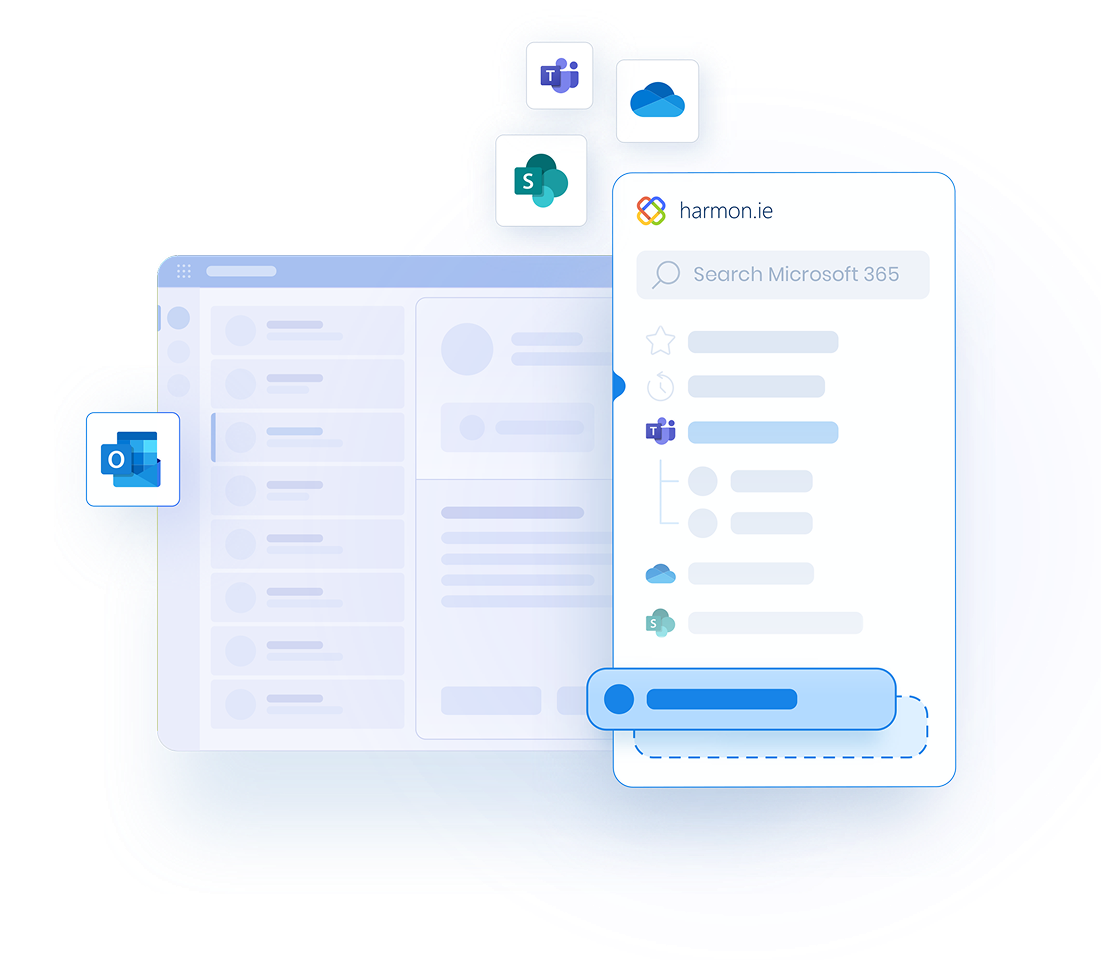
- The Outlook add-in: a sidebar in Outlook where you save emails and attachments to SharePoint, Teams and OneDrive, and find, attach and share your Microsoft 365 files.
- The Desktop app: a full-window Windows app for your SharePoint, Teams and OneDrive files that works even when Outlook is closed, and runs your email automation rules in the background.
Do I need to purchase New harmon.ie and harmon.ie Classic separately?
No. Every harmon.ie license includes access to both New harmon.ie and harmon.ie Classic.
You can use the product that fits your Outlook environment—and switch between them as needed—without buying separate licenses.
How many users can try harmon.ie during the free trial?
- You can invite up to 14 users to try New harmon.ie. For a team trial, your Microsoft 365 admin deploys New harmon.ie to the trial group, following our admin guide.
- To try harmon.ie Classic, on your own or with your team, contact us and we’ll help you set up your trial.
Is there a minimum number of users when I buy?
What happens when the free trial ends?
When the free trial ends, you’ll need to purchase a license to continue using harmon.ie past the 21 days. Don’t worry—we’ll remind you before your trial expires.
I couldn’t grant consent to harmon.ie. What should I do?
Some organizations restrict the ability to install or grant consent to Outlook add-ins, which may prevent you from running harmon.ie.
If you can’t grant the required consent:
- Ask your Microsoft 365 administrator to review harmon.ie’s IT Approval Kit and allow consent for your user account.
- Book a free demo with our team — we’ll be happy to show you how harmon.ie works, answer your questions, and help you complete the setup.
I couldn't install harmon.ie. What should I do?
If you’re unable to install harmon.ie, please
book a free demo with our team. We’ll walk you through the product, answer your questions, and help you get
it running.
Can I get help during the trial?
Yes! We’re here to help. You can:
- Read our onboarding emails that walk you through using harmon.ie
- Visit our support center to read our user guides and watch our training videos
- Contact our support team or request a free consultation if you’re testing for a larger deployment
How do I deploy harmon.ie to my team during the trial?
- New harmon.ie: harmon.ie supports central deployment via Microsoft 365 admin center. We provide a simple deployment guide and can assist if needed. You can also test individually by installing from Microsoft Marketplace.
- harmon.ie Classic: contact us to get a trial package, for a single user or a larger deployment.
Is my data secure during the trial?
Absolutely. harmon.ie is a Microsoft 365-native solution, meaning your emails and documents stay within your tenant. We do not access or store your data externally.
Learn more about harmon.ie security.
Can I switch from the free version to a paid version later?
Yes. Upgrading is simple. You can purchase the product online or contact our team when you’re ready, and we’ll help you transition to a full subscription plan that matches your organization’s size and needs.