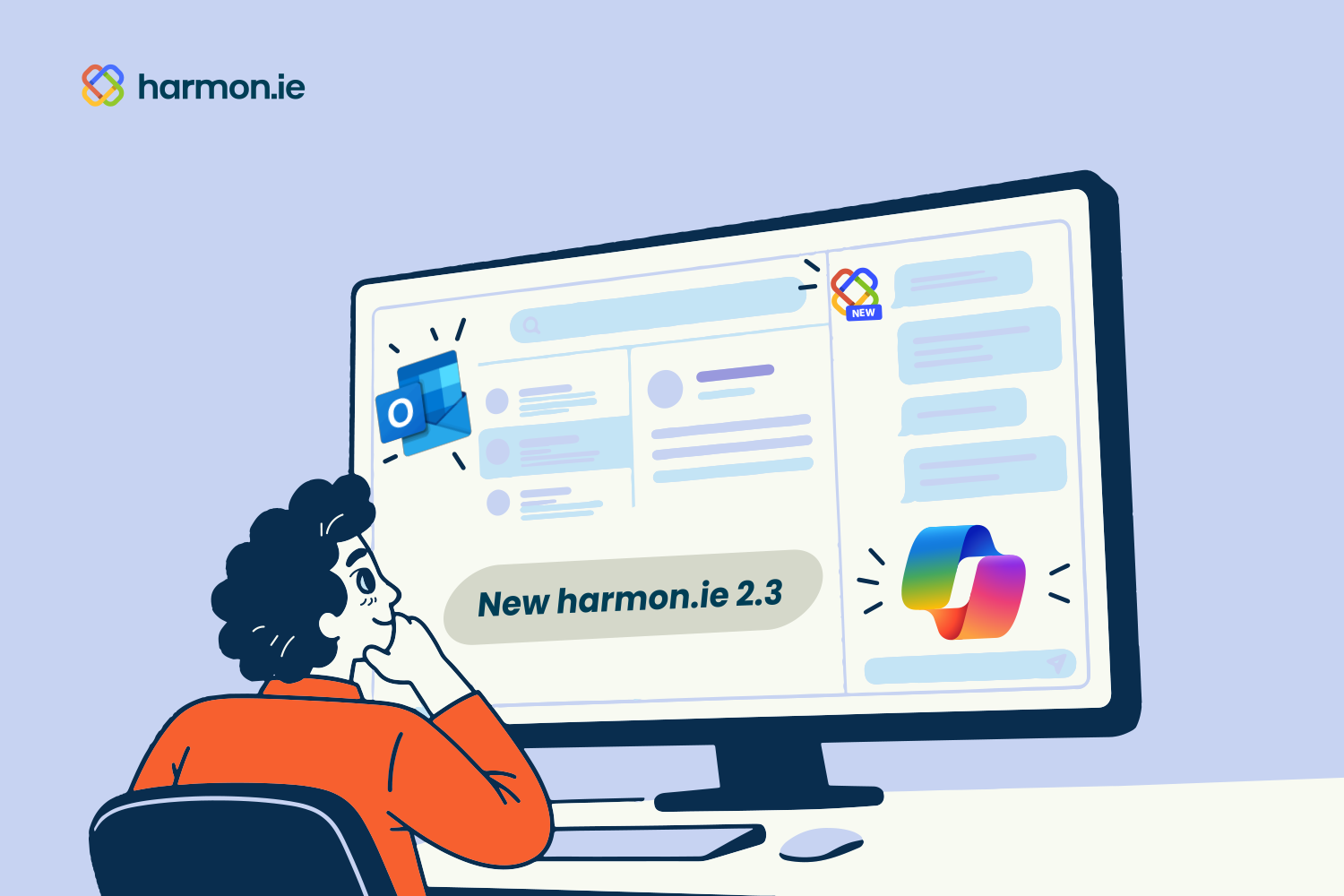

harmon.ie brings your Microsoft 365 content, SharePoint, Teams, and OneDrive, into a sidebar inside Outlook, so you can find, save, and file things without ever leaving your inbox. The latest release, New harmon.ie 2.3, brings Microsoft 365 Copilot into that sidebar for search and summaries, lets you save an entire Outlook folder to SharePoint in a single action, and rounds out the beta automation tools so more of your filing happens on its own.
Search Microsoft 365 with Copilot, the Way You’d Ask a Colleague
New in 2.3: Microsoft 365 Copilot search. Instead of guessing at the right keywords, type a question the way you’d ask someone at the next desk, and Copilot returns the files and emails that match what you meant, ranked by relevance across SharePoint, Teams, and OneDrive.
Each result shows a preview of the matching passage, so you can tell why it surfaced before you open it. You’re never locked into one mode either: switch between keyword and Copilot results for the same search at any time. This matters more than it might sound, since getting Microsoft 365 content organized and findable is exactly what makes Copilot useful in the first place. Copilot search requires a Microsoft 365 Copilot license and is turned on by your admin in the Admin tab.
Get a Summary Without Opening the File
Also new in 2.3: get a Copilot-written overview of any document or email without opening it, with the key points, decisions, and action items pulled out for you.
If the first pass isn’t quite what you need, ask for a shorter summary or more detail. Take into account that AI-generated content may be incorrect. Like Copilot search, this needs a Microsoft 365 Copilot license enabled by your admin.
Save an Entire Outlook Folder to SharePoint in One Action
If you’ve ever needed to move a whole project’s worth of email into SharePoint, this is for you. In 2.3, you can save the whole folder at once.
harmon.ie saves every email inside an entire Outlook folder to SharePoint, including its subfolders, mirroring the same structure so nothing needs reorganizing afterward. You choose whether to copy the emails, so they stay in Outlook too, or move them, so the Outlook copies go to Deleted Items.
Keep New Emails Filed Automatically
Saving the backlog is only half the job. Once a folder is set up, you can turn on automatic saving for it, so every email that lands there afterward is saved to the same SharePoint location automatically, no further action needed.
It’s a new addition to harmon.ie’s email automation tools, which already let you auto-save emails by sender or by conversation. Whatever metadata you entered on the original save carries over to emails saved later, so a project folder stays consistently organized without you touching it again after the initial setup.
Let Automation Run Itself
With the harmon.ie Desktop app installed and signed in, your automation rules, whether they save by sender, by conversation, or from a folder, now run on a schedule in the background. You don’t need the add-in open, and you don’t need to remember to run it yourself.
You can always check the connection status and when the next run is due, so background automation stays visible rather than invisible. If a run doesn’t go as planned, you’re told the same way you would be for a manual run.
Start the Filing Habit From the Moment You Send
The last piece rounds out where automation begins. From compose mode, you can save a new email, turn on automatic saving for that conversation, and send it, all in one action. Every reply in that thread is then filed to the same location by your automation rules from then on, without you having to set anything up after the fact.
It’s a deliberate action, the same way Save & send is: nothing is filed automatically unless you choose it. It just means the choice to automate a conversation can happen the moment you send it, not after the fact.
Built for How You Already Work in Microsoft 365
Every feature in 2.3 points the same direction: less time spent deciding where something belongs, more of it landing there on its own. Whether that’s a single search, a summary, a whole folder’s history, or a conversation you know you’ll want to track, harmon.ie keeps that decision close to the moment you’re already in, inside Outlook.
Copilot and automation features are now in beta.
Get Started with New harmon.ie 2.3
New harmon.ie 2.3 is available now for all users on the current version. Copilot requires a Microsoft 365 Copilot license, and both Copilot and automation need to be turned on by your admin.