Get to Know the New harmon.ie Desktop App
Video Transcript | Get to Know the New harmon.ie Desktop App
You know how to find a file on your computer: open File Explorer, pick a folder on the left, and there it is. Finding the same file in SharePoint or Teams usually takes a lot more clicks. The New harmon.ie Desktop app lets you browse and manage your SharePoint, Teams, and OneDrive files the same way, right from your Windows desktop. Let’s take a look at how it works.
When you open the Desktop app, you start on the Home page. It gives you shortcuts to your main locations, the folders you recently saved to, and the files you use most. Drag an email or file onto one of your recent folders to save it there, so the places you file to most are always one move away.
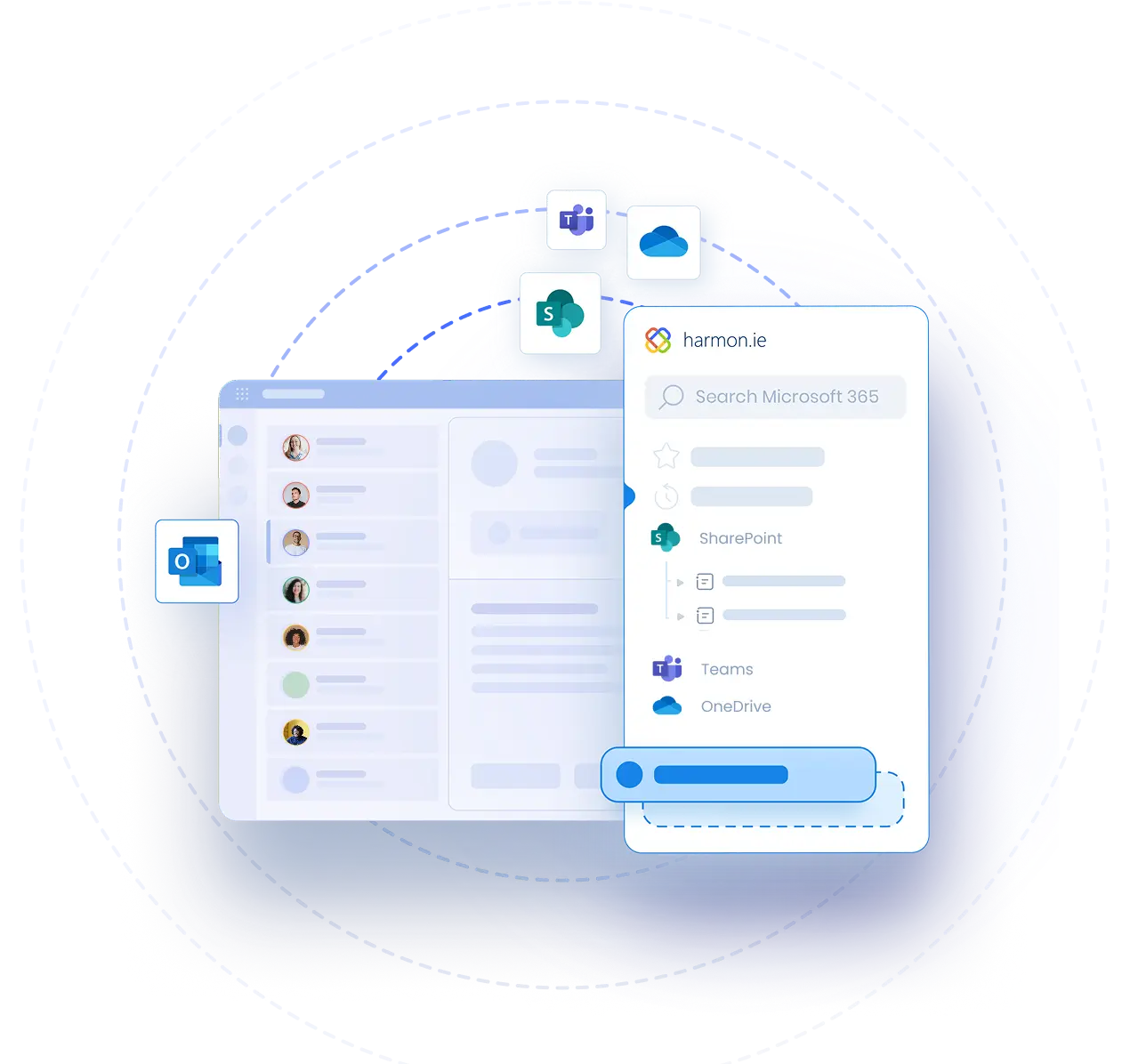
On the left, the locations tree shows everything you have access to, in one place.
Click a location to open its contents in the middle. The tree always shows where you are, so you never get lost. Use the quick filters to narrow the list, for example to just presentations.
Now select a file. Its preview and properties appear in the details pane on the right, so you can check you have the right document before you open it.
To update metadata, click Edit all in the details pane. You can edit properties for one file or several at once, with required fields clearly marked, and apply retention labels too.
Working with files feels just like working on your computer. Drag files between locations, out to File Explorer or your desktop, or onto an email to attach them. Copy and paste files between locations, or paste files from your computer to upload them. You can also open any file in its desktop app, save a local copy, create and rename folders, and share files as links.
Switch to the Emails view to see your saved emails with their email columns.
Next, make the layout your own. Resize the panes to give the file list more room, or click Hide locations tree or Hide details pane when you want to focus. harmon.ie remembers how you like it.
Prefer the keyboard? Press F6 to move between panes, and use the whole app without a mouse.
Check out our other videos to see how New harmon.ie also helps you save emails and attachments, set rules that save them for you automatically, search across all your files, share securely with colleagues, and more.
Get started today and experience the next generation of email and document management.