
Looking for a Colligo Alternative?
Here's harmon.ie.


What You Get with harmon.ie
Email management that goes beyond saving
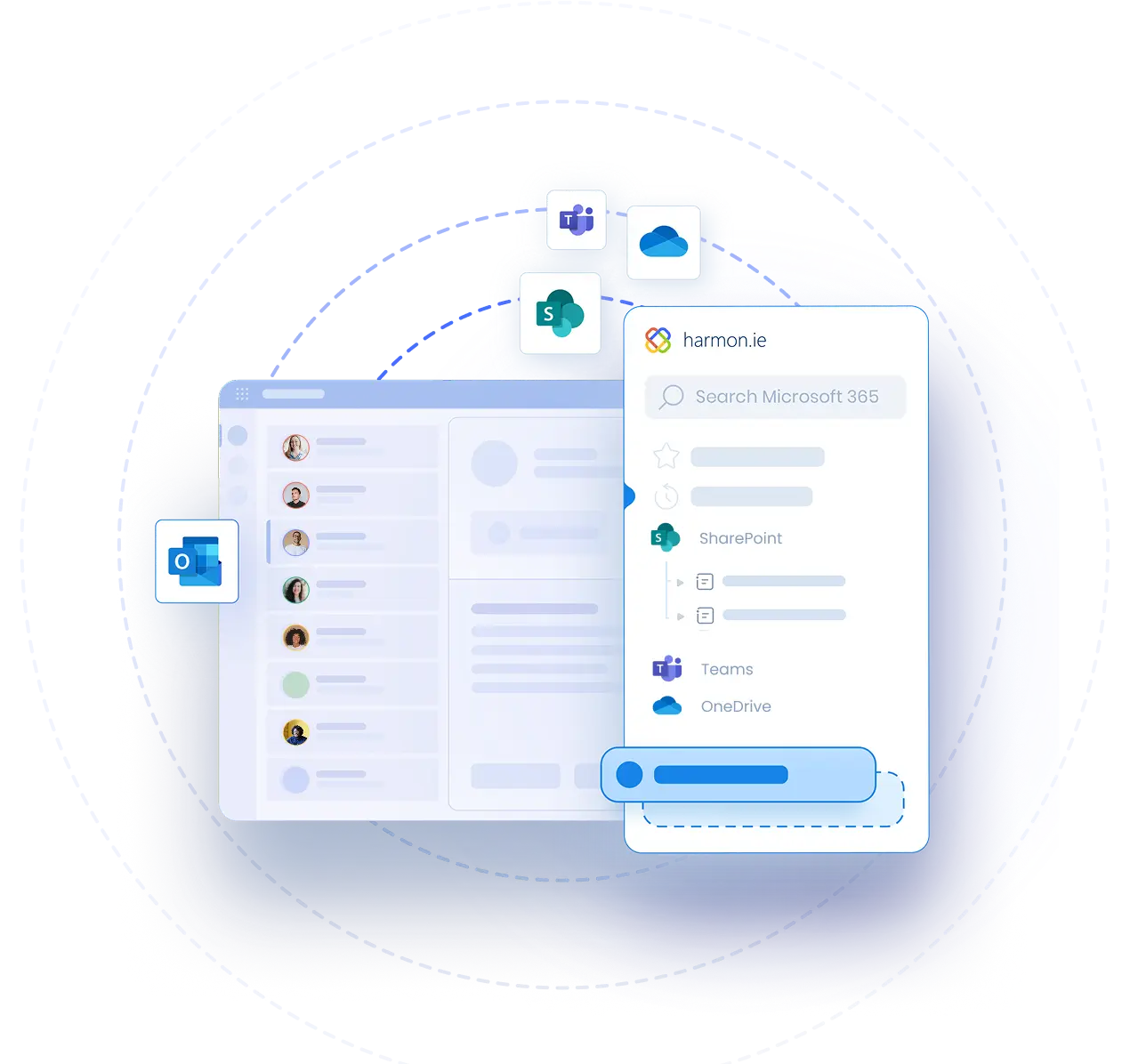
- Save emails and attachments to SharePoint, Teams, or OneDrive with drag-and-drop or one click
- Save an entire Outlook folder, including subfolders, in one action
- Automatic metadata: email headers (To, From, Subject, Date) map to SharePoint columns on save, no manual tagging
- Save & Send: file an outgoing email to SharePoint as you send it
Automated Email Management
- Automatic conversation saving: save one email, and every reply, reply all, and forward in that conversation is captured in the same location
- Keep saving new emails from a folder: every new email that lands in a saved Outlook folder is captured
- Auto-save emails from a sender: every new email from a chosen sender is saved to the same location.
- With the harmon.ie Desktop app, automation runs in the background, even when Outlook is closed
What sets harmon.ie apart
Drag and drop, both ways, in every Outlook
Saved emails open in Outlook
See what's already saved, by you or a colleague
One published price, every feature included
$72 per user per year, including automation and the Desktop app, with no add-ons to buy.
Secure, compliant, and auditable
harmon.ie is a client-side application – there are no harmon.ie servers. Your data never leaves your tenant, never passes through an external system, and is never accessible to harmon.ie.
ISO 27001 certified. Microsoft 365 App Compliance Program Publisher Attestation completed. GDPR compliant.

Scales to any team, from 15 users to hundreds of thousands
Central configuration for IT admins
New harmon.ie admins configure the app for all users from an Admin tab directly inside the app. Changes apply to everyone instantly.
Modern Outlook add-in and desktop app
Switching Is Simpler Than You Think
Deployment takes less than a day
Users are productive from day one
Training and support included
Try it before you commit
A 21-day free trial with every feature and no credit card, in your own Microsoft 365 environment.
IT teams can start with the New harmon.ie IT Approval Kit.
harmon.ie Powers Everyday Productivity in Outlook — at Scale
A Company Built Around Its Customers

FAQ
How long does it take to switch to harmon.ie?
New harmon.ie deploys centrally via the Microsoft 365 Admin Center in less than a day. Most users are productive from day one without formal training. A 21-day free trial lets you evaluate it in your environment before fully committing.
Which versions of Outlook does harmon.ie work in?
- New harmon.ie works in Outlook for Windows (new and classic), Outlook for Mac, and Outlook on the Web, and is available as a Windows desktop app.
- harmon.ie Classic works in Outlook for Windows (classic).
Both are included in every license.
Does harmon.ie save emails automatically?
Yes. New harmon.ie email automation saves every new message in a conversation, every new email in an Outlook folder, or every new email from a chosen sender to the same SharePoint, Teams, or OneDrive location, with metadata. It’s included in every license, and with the harmon.ie Desktop app, rules run in the background even when Outlook is closed.
How much does harmon.ie cost?
$72/user/year for the Business plan (minimum 15 users), listed openly on our pricing page. Enterprise plan pricing is available on request for 150+ users and includes guided onboarding and roadmap influence.
Is there a free trial?
Yes. 21 days, no credit card required, full feature access. Works in your own Microsoft 365 environment. If you need a trial extension – contact us.
What support does harmon.ie provide?
Our support site includes extensive user guides, admin guides and training videos.
In addition, customers get access to email and ticket-based support with a 92% satisfaction rate.
Enterprise customers receive guided onboarding and a dedicated customer success contact.
Put your email management on autopilot
Try New harmon.ie free for 21 days. No credit card.